SHOOTMAGIC
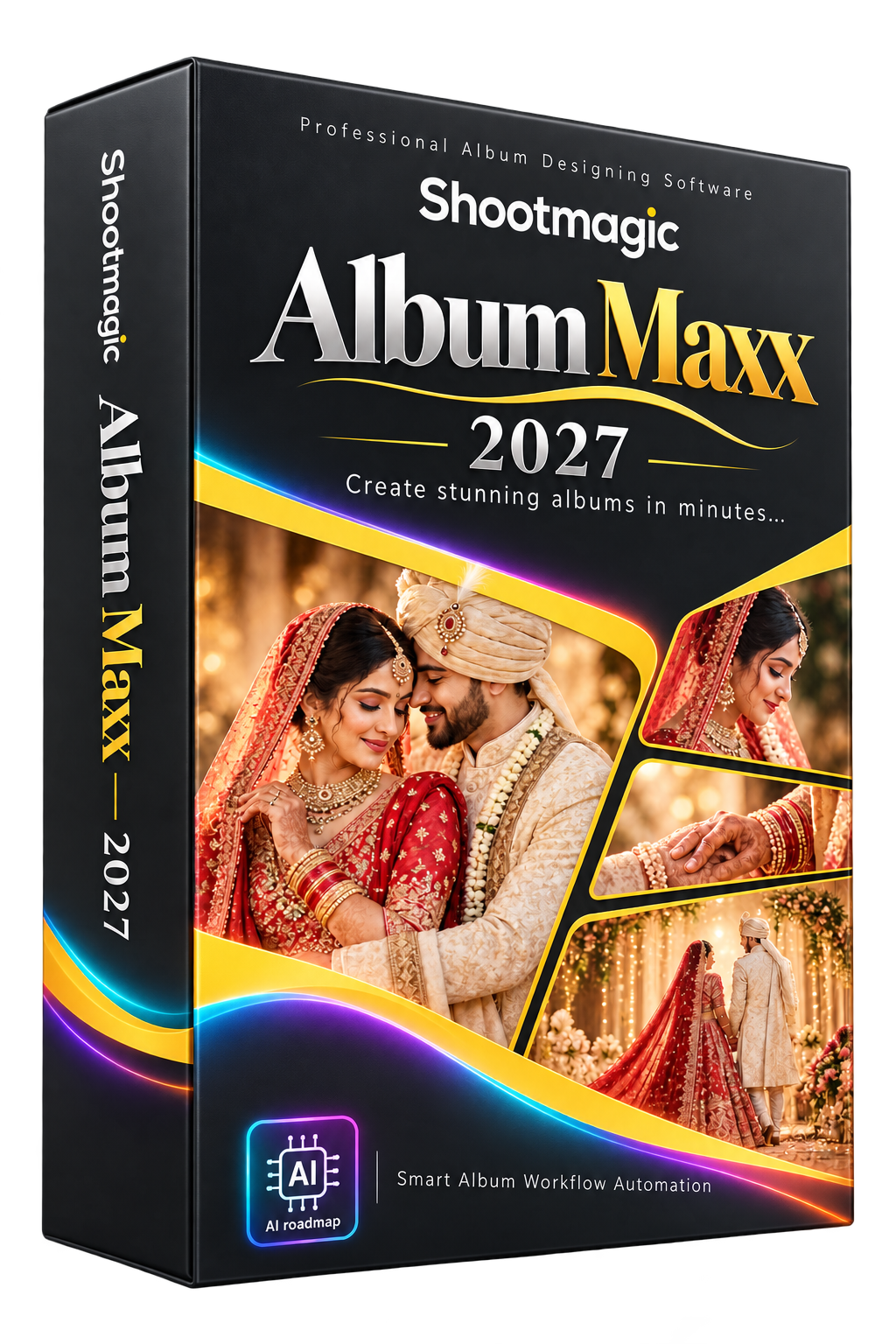
Shootmagic Album Maxx 2027
A connected Windows and Photoshop workflow for album designers.
Your photos. Your designs.
A simpler album workflow.
- Auto Album Wizard with sequence workflow
- One Click photo placement and Change Design
- Front / Back Cover, First / Last Page, Couple DM and Bridal tools
- 12×36 and 14×40 template browsing
- Background, mask and clipart browsing
- Used photo tracking and PSD / JPG output
- PDF page ordering and watermark tools
Choose a compatible album design, add your photographs and personalise your pages in Photoshop.
Choose your license
1 PC / 1 Year — ₹3,499 (MRP ₹6,000 · 42% OFF)
1 PC / 2 Years — ₹5,499
2 PCs / 1 Year — ₹5,999
2 PCs / 2 Years — ₹9,999
Compare plans and included packs
MADE FOR BEAUTIFUL STORIESEvery album.
Every album.
A new story.
Bring your photos, choose a design and refine the details. Keep your creative choices at the centre of your workflow.
Explore Shootmagic Album Maxx 2027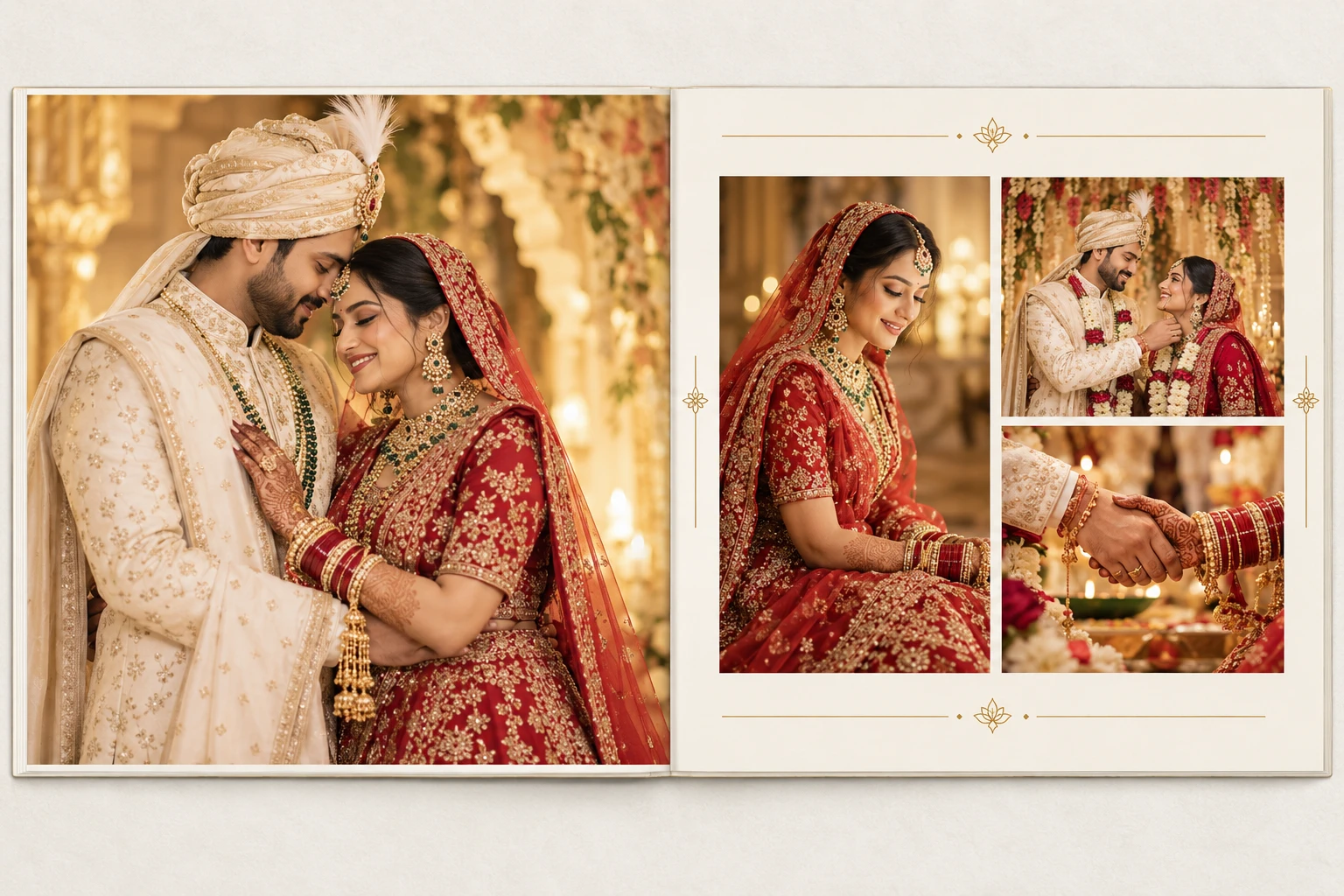
PRODUCT OVERVIEWShootmagic Album Maxx 2027
Shootmagic Album Maxx 2027
Every detail, in focus.
Explore the workflow with feature highlights and enlarged detail panels.
PRODUCT DETAILS
Explore Shootmagic Album Maxx 2027
Understand the workflow, prepare your computer and get started with the official setup.
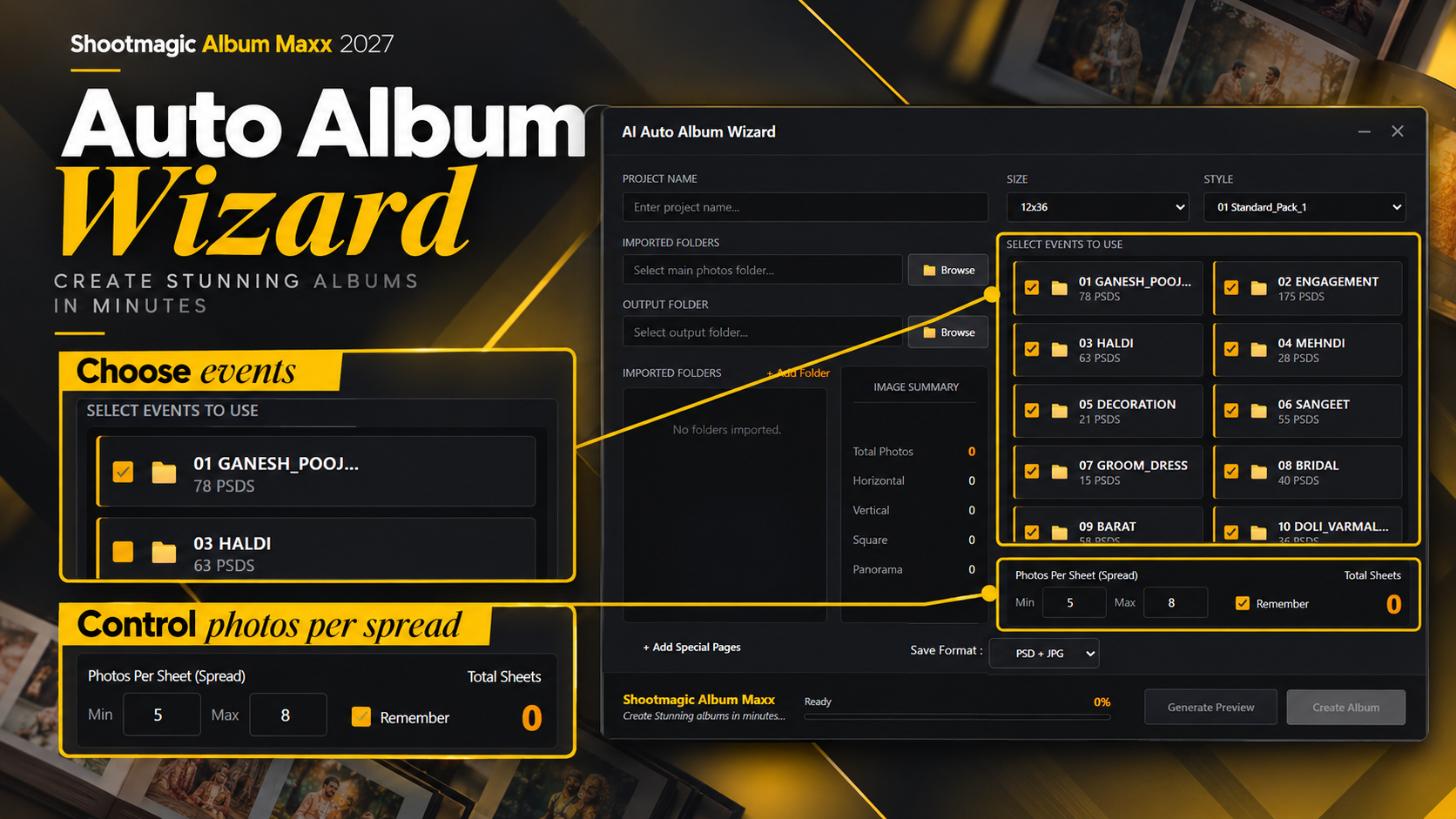
Auto Album Wizard
- Turn a selected photo collection into an organised album workflow.
- Scan your images, use horizontal / vertical analysis, choose templates and prepare album pages through Photoshop.
- Sequence Mode helps you follow the photo order while you review the design choices.
One Click Album & Change Design
- Select your photos and choose a compatible template to place them in Photoshop.
- Change Design lets you explore another PSD with the same photo layout.
- Keep the creative finishing touches in Photoshop before delivery.
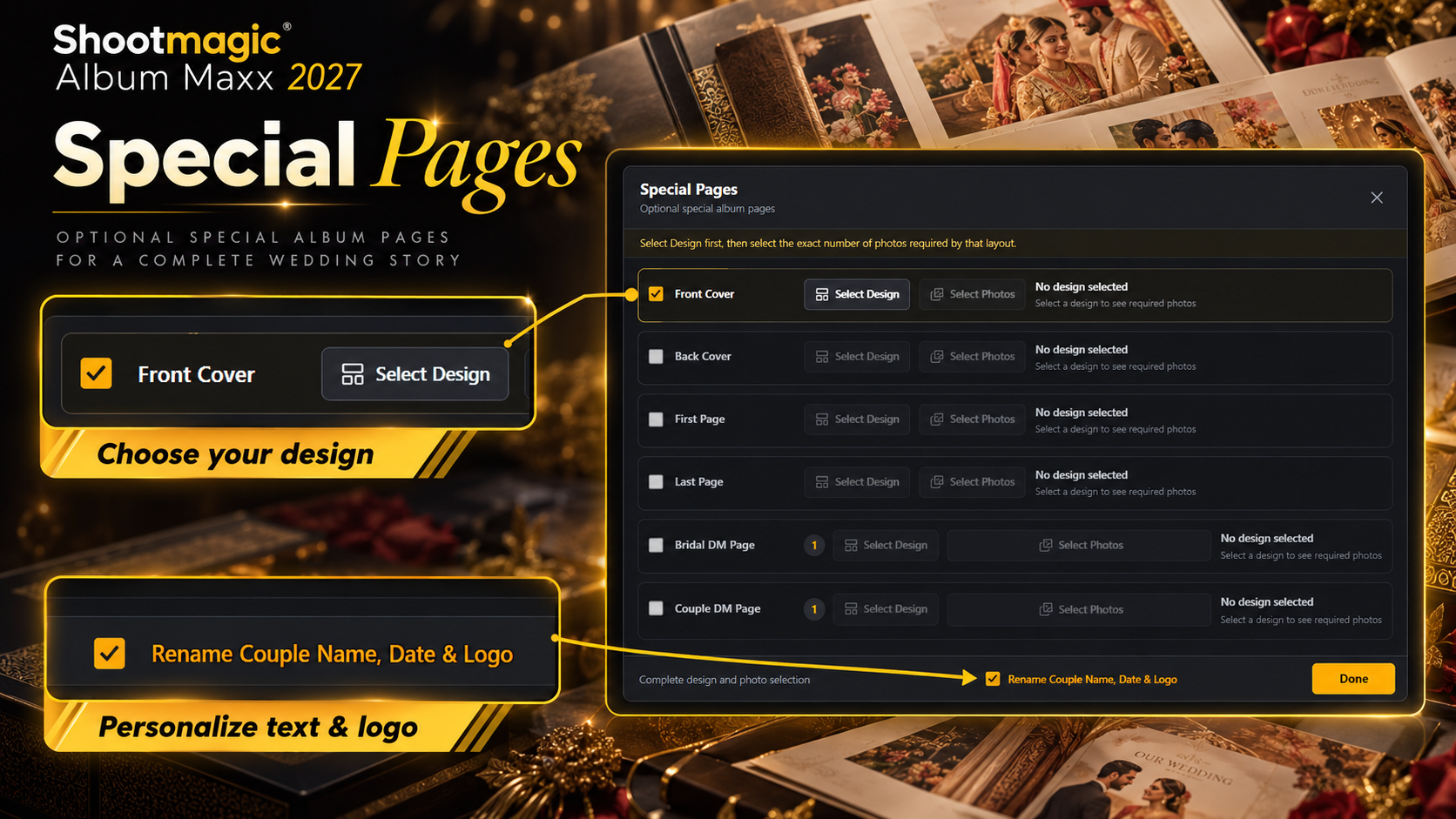
Special Pages
- Create front and back covers, first and last pages, Couple DM and Bridal pages through the dedicated Special Pages workflow.
- Select a design and photos, then personalise text and logo options.
Templates & creative packs
- Explore 150 GB+ templates and over 5000 background, mask, clipart and overlay assets.
- The template workflow includes 12×36 and 14×40 album sizes.
- Creative pack updates are planned every 1–3 months; confirm included packs and delivery access for your license.
Photo tracking & output
- Keep track of selected and used images as you work.
- Save editable PSD pages and export JPG output, then review the completed album before printing.
- Photoshop remains the workspace for final adjustments.
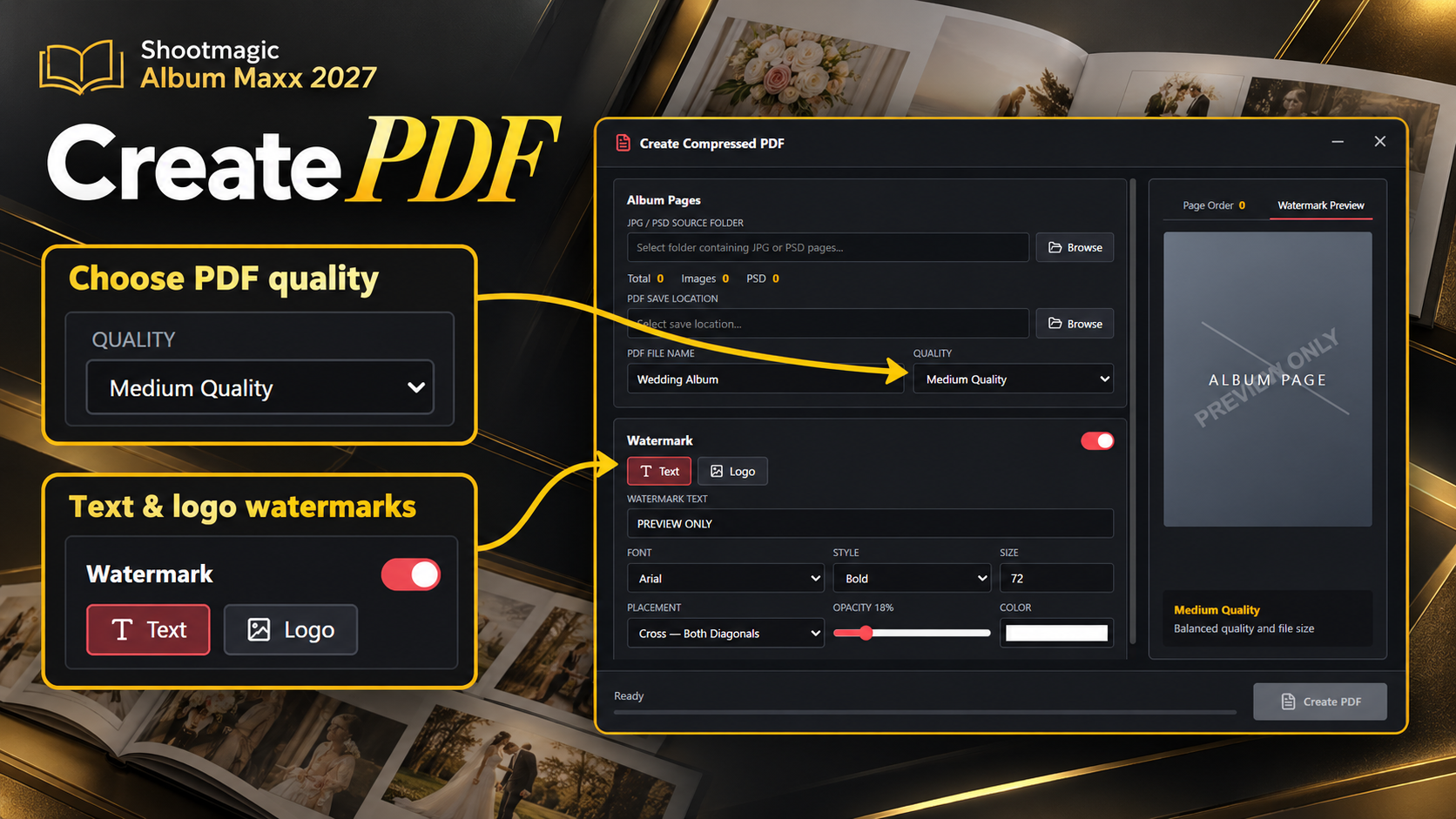
PDF Create
- Prepare an album preview from your pages.
- Arrange page order, choose output quality and use supported text or logo watermark options before sharing a PDF with your customer.
BEFORE YOU INSTALL
System Requirements
Compatibility guidance for this product. Confirm your exact setup with Shootmagic before purchase.
- Operating system: Windows 10 and Windows 11.
- Adobe Photoshop: Adobe Photoshop CS3–CS6 and all CC versions supported, as specified by Shootmagic. The latest CC version is preferred for best compatibility and features. Photoshop is required separately.
- Memory & storage: Use a workstation suitable for your Photoshop version and album PSD sizes. Keep space for the software, selected template packs, photo originals and exported PSD/JPG files. The full template collection is 150 GB+.
- Internet & activation: Internet access is needed to obtain setup and packs. Contact the team for license activation requirements and update delivery.
GETTING STARTED
Installation Procedure
- Send your chosen PC / duration plan and Photoshop version to Shootmagic on WhatsApp.
- Obtain the official setup, activation instructions and the asset / template pack links from the team.
- Install the software using the supplied Windows installer. Choose a writable location for downloaded templates and creative packs.
- Complete activation or the available trial process, then choose your Photoshop version at launch.
- Select your template and output folders in the software. Add photos and test one compatible template before starting a full album.
- Create a small test album, check the PSD/JPG output and PDF preview, and keep your original photos backed up.