
SHOOTMAGIC SOFTWARE
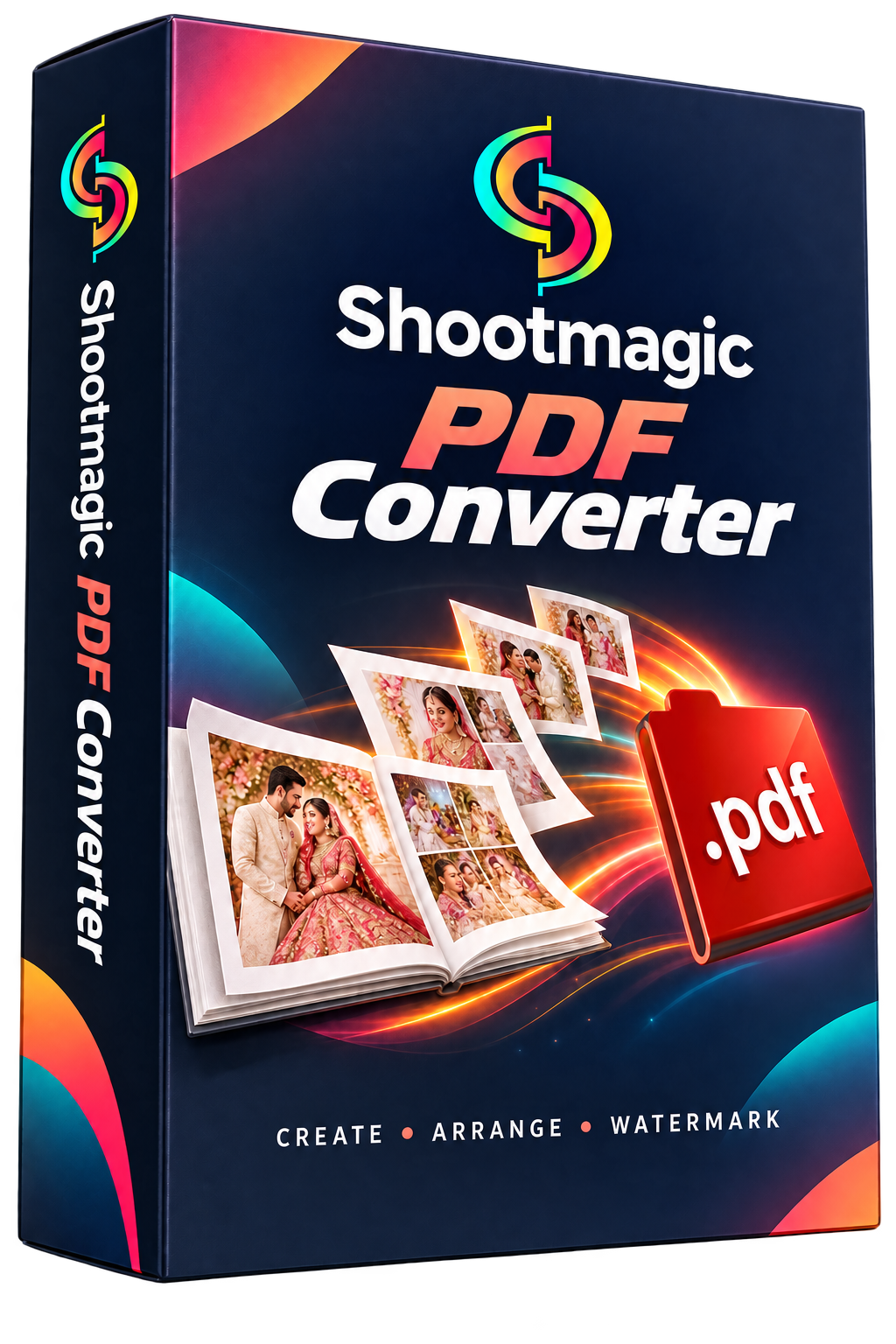
Shootmagic PDF Converter
Prepare photo album PDFs for a convenient preview and sharing workflow. Ask for setup and supported options.
PDF WORKFLOW₹999₹299Lifetime License70% OFF · rounded
Shootmagic PDF Converter
Prepare photo album PDFs for a convenient preview and sharing workflow. Ask for setup and supported options.
Talk to King Akash Dhruw and Team for a demo, setup details and activation assistance.
WhatsApp: 9406431478
PRODUCT DETAILS
Explore Shootmagic PDF Converter
Understand the workflow, prepare your computer and get started with the official setup.
Album previews in one PDF
- Bring album pages together into a convenient PDF for review and sharing.
- This standalone product focuses on the PDF preparation workflow, so you can discuss the available build and supported formats with the team.
Page order & preparation
- Prepare your pages in the sequence you want the viewer to see.
- Ask for a demonstration of page ordering, adding/removing pages and preview controls in the current standalone release.
Quality & watermark options
- The Shootmagic PDF workflow includes quality and watermark tools.
- Confirm which quality presets, text/logo watermark controls and input formats are available in the supplied PDF Converter build.
Lifetime license offer
- The listed offer is ₹299 against MRP ₹999, with a Lifetime License.
- Confirm device allowance, activation terms and update coverage before purchasing.
- Lifetime describes the license duration; it does not specify every future upgrade.
Trial & support
- Contact Shootmagic for the trial setup and current limits.
- Share your input format, approximate file size and desired PDF quality so the team can help you choose the correct workflow.
BEFORE YOU INSTALL
System Requirements
Compatibility guidance for this product. Confirm your exact setup with Shootmagic before purchase.
- Operating system: Windows desktop PC; confirm your Windows version with the team for the supplied standalone build.
- Input files: Prepare your album page files. Confirm JPG/PSD support and whether Photoshop is needed for PSD input in the current release.
- Memory & storage: Available memory and disk space must accommodate your input pages, processing and output PDF. Exact tested minimum specifications will be supplied with the release.
- Activation: Obtain setup and activation instructions from Shootmagic. Confirm PC allowance and internet requirements before purchase.
GETTING STARTED
Installation Procedure
- Request the official Shootmagic PDF Converter setup and confirm compatibility with your Windows version.
- Install the supplied setup and complete the trial or license activation steps.
- Import a small set of supported page files and choose your output folder.
- Arrange the pages and select the available quality and watermark settings.
- Create a test PDF and check page order, image quality and watermark placement before processing the complete album.